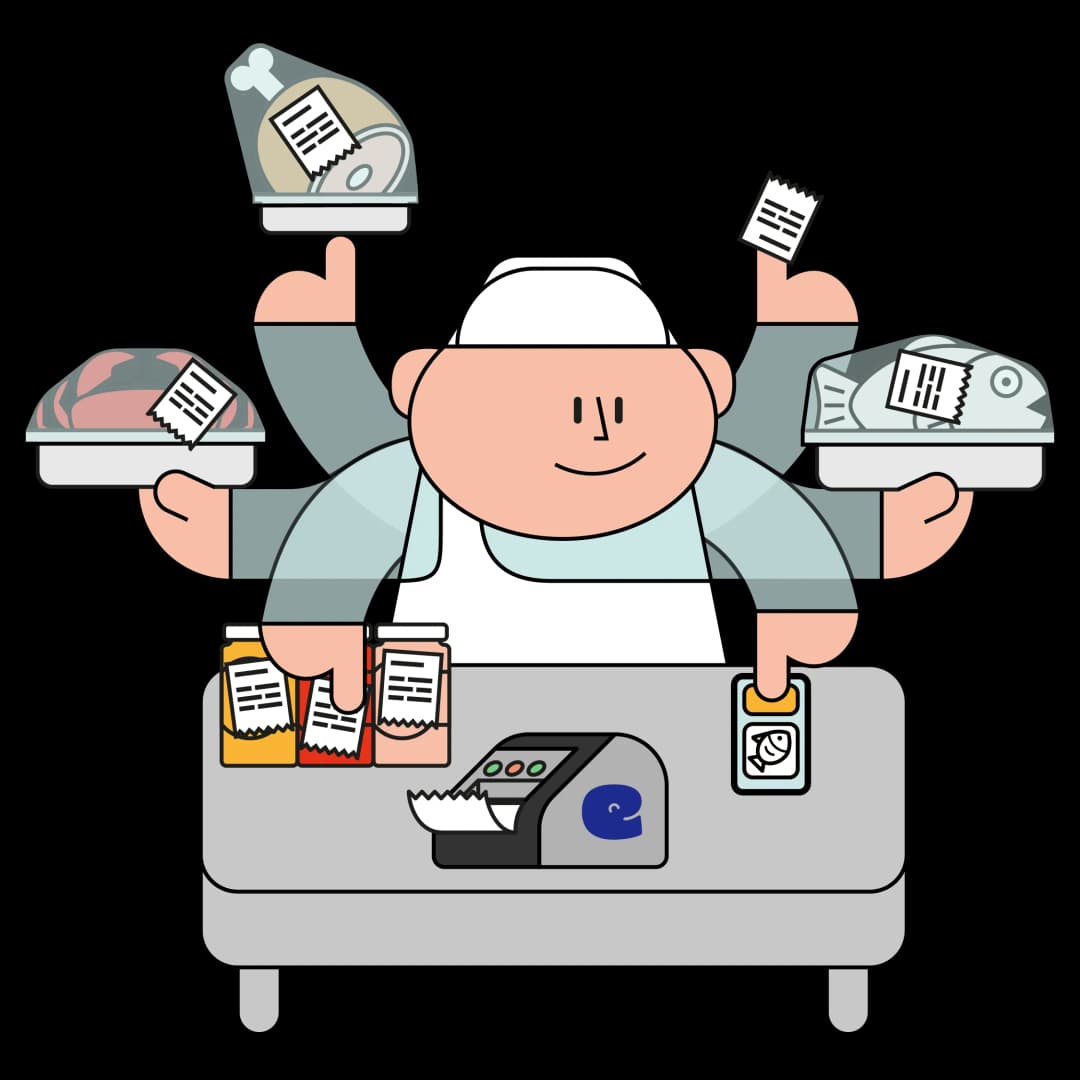
+More than 1'800
food industry professionals print their "Use by" date labels with eEAT, every day.




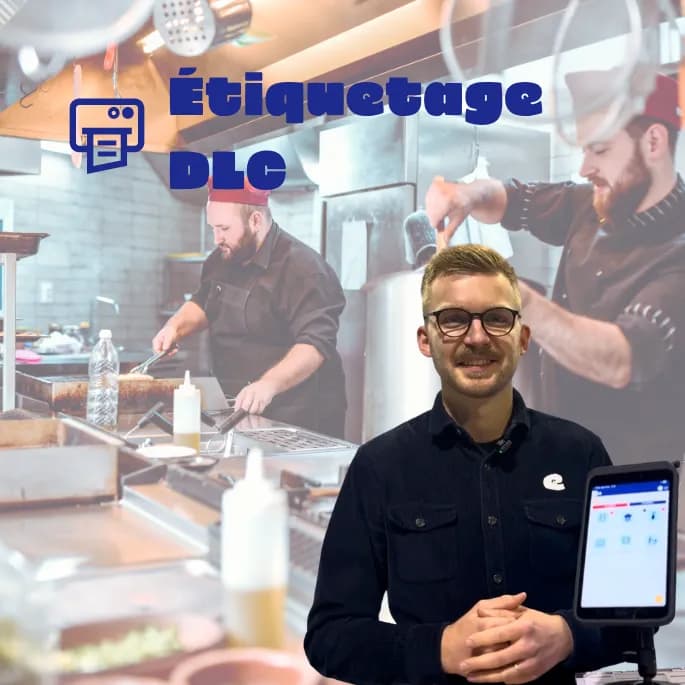
"Use by" date labeling with eEAT, 45 seconds to understand.
The labeling module allows you to generate your "Use by" date labels automatically according to the product type you want and the desired quantity:
- Structure and data according to your wishes.
- Automatic calculation of key information ("Use by" date, production date, ...).
- Pre-registration of your products.
Your labels are compliant, simply.
The labeling module allows you to generate your "Use by" date labels automatically according to the product type you want and the desired quantity:
- Structure and data according to your wishes.
- Automatic calculation of key information ("Use by" date, production date, ...).
- Pre-registration of your products.
Your labels are compliant, simply.
Three steps and your labels are ready.
You click on the product, the eEAT printer takes care of the date, format, and quantity.
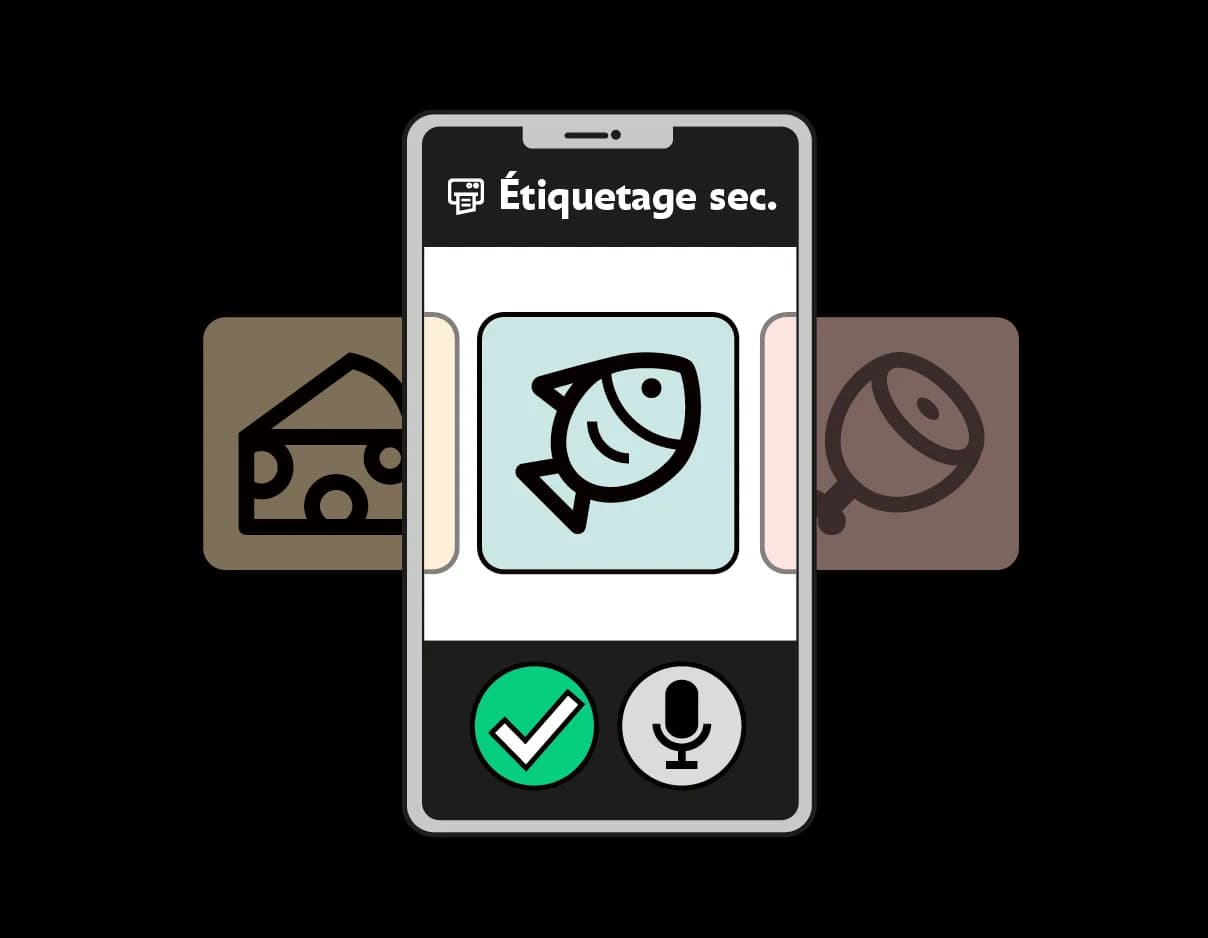
- Choose
You click on the product in the application. D+3, lasagna, minced meat. The date calculates itself.
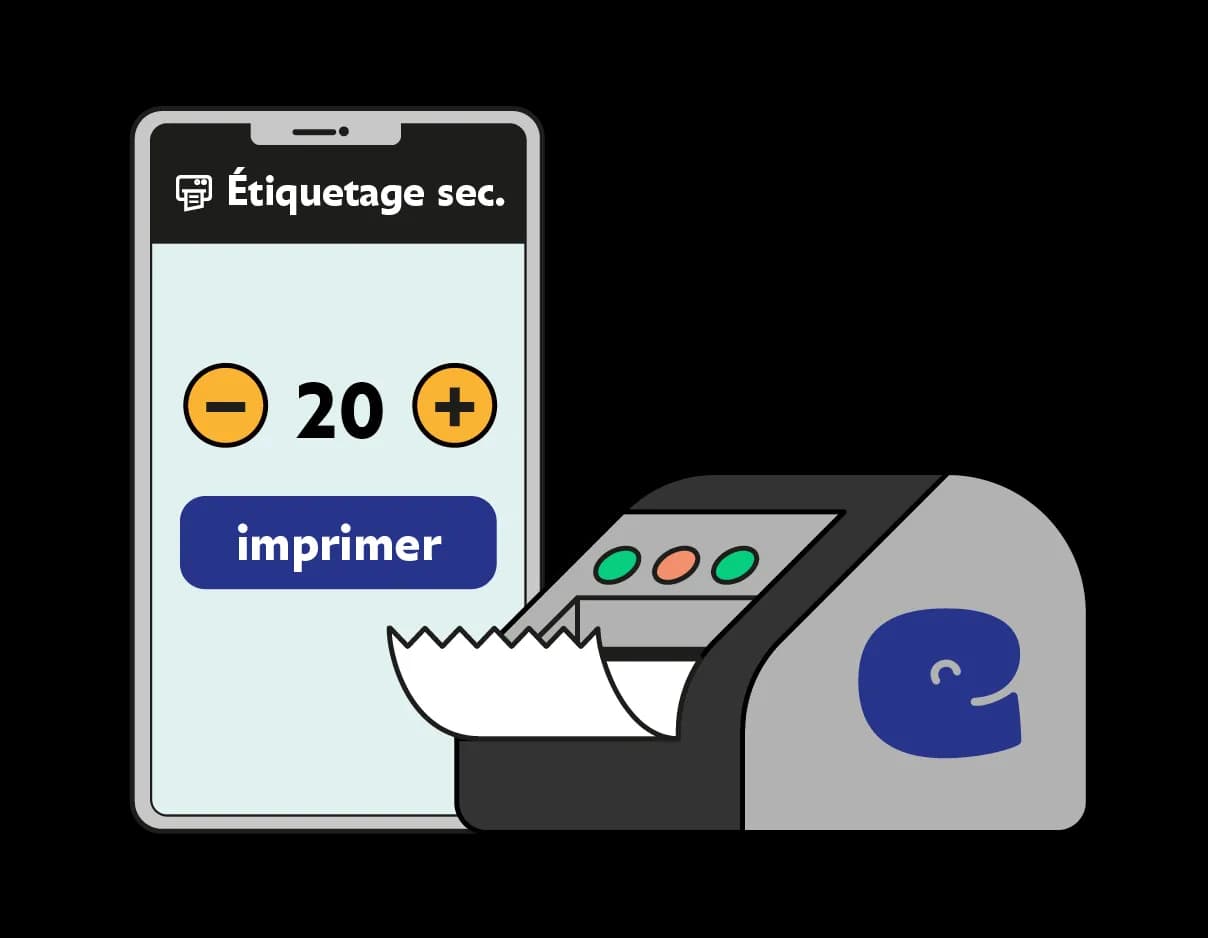
You indicate the desired quantity. One label or fifty. Printing starts, from any device.
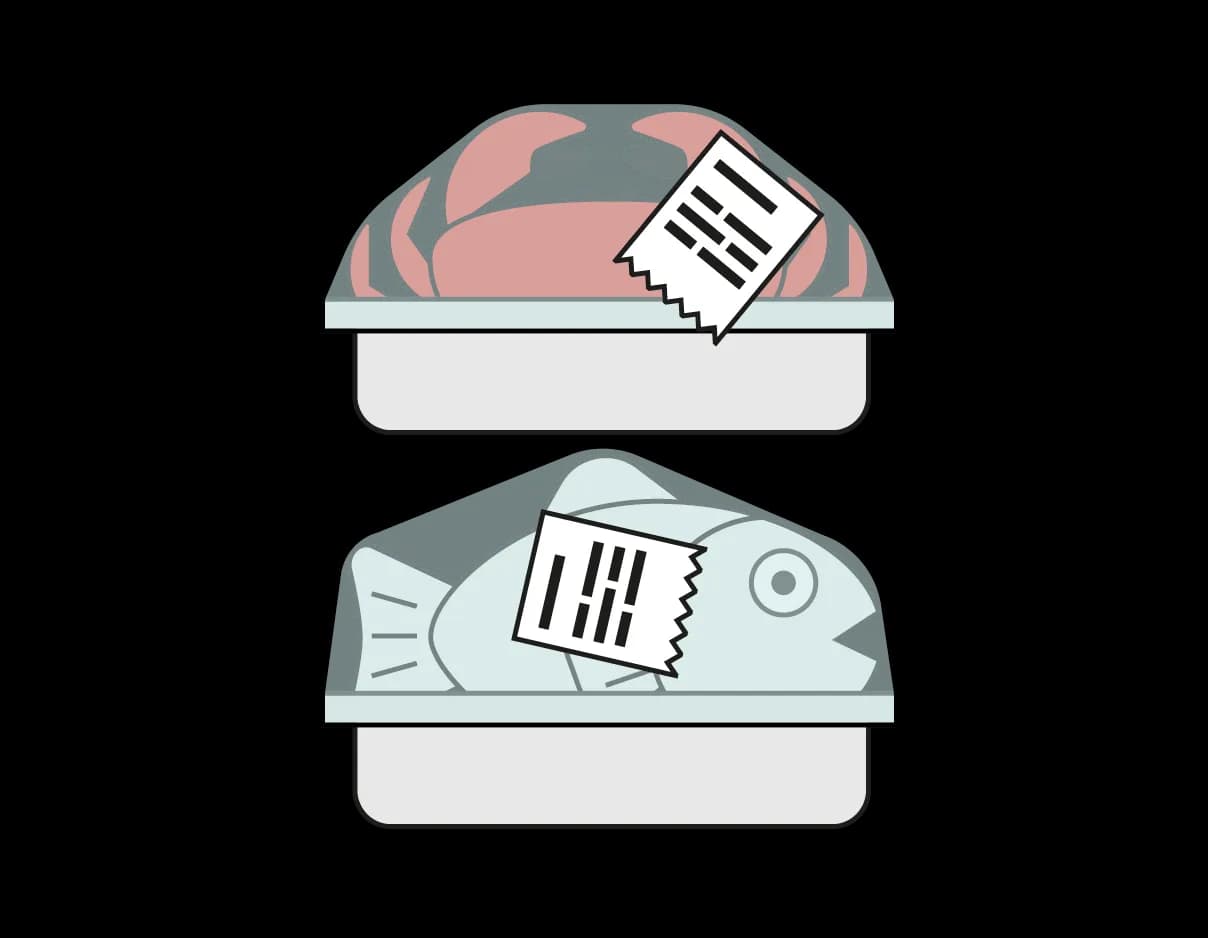
- Stick
Your self-adhesive labels come out, readable and compliant. The product is labeled, it can be stored.
What changes in your day.
Time saving
You no longer have to handwrite ten, fifteen, fifty times the content of the labels. It's time regained.
Always accurate "Use by" date
D+3, D+5: the "Use by" date is calculated automatically by the eEAT printing module.
Compliance and clarity
Everyone can read the labels in the fridge, and you are compliant in case of inspection.
Automation
A configuration for your trade.
Automation
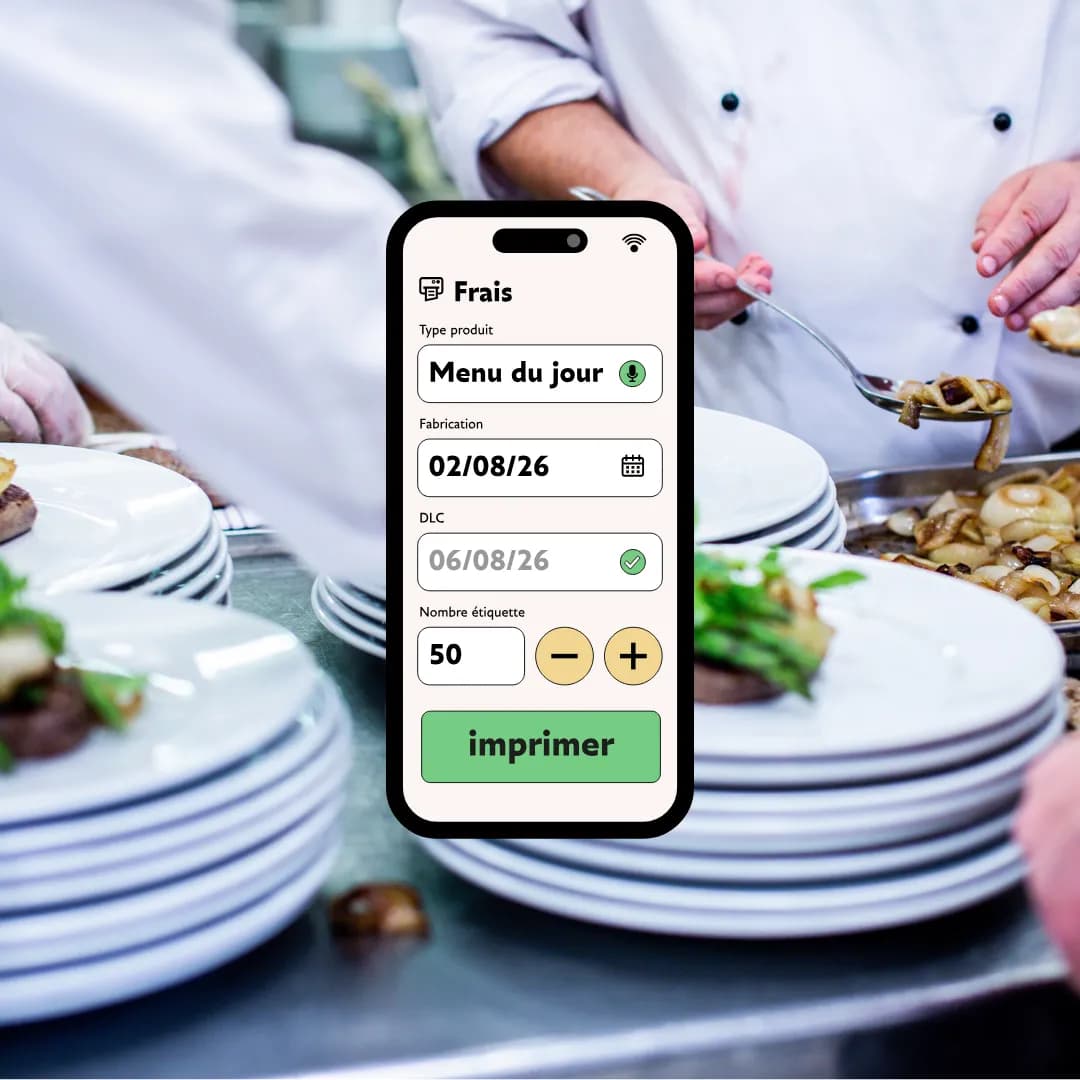
Your products are registered in the application. One click, the date calculates, the label prints.
From the database
Your products are registered. You click, the "Use by" date is calculated, you indicate the desired quantity.
On the fly
Dish of the day, specific menu: the eEAT voice dictation captures your labels on the fly without going through the database.
From anywhere
You generate your labels from any device, without being next to the printer (even from home!). You can be several people generating labels simultaneously.
Multifunction
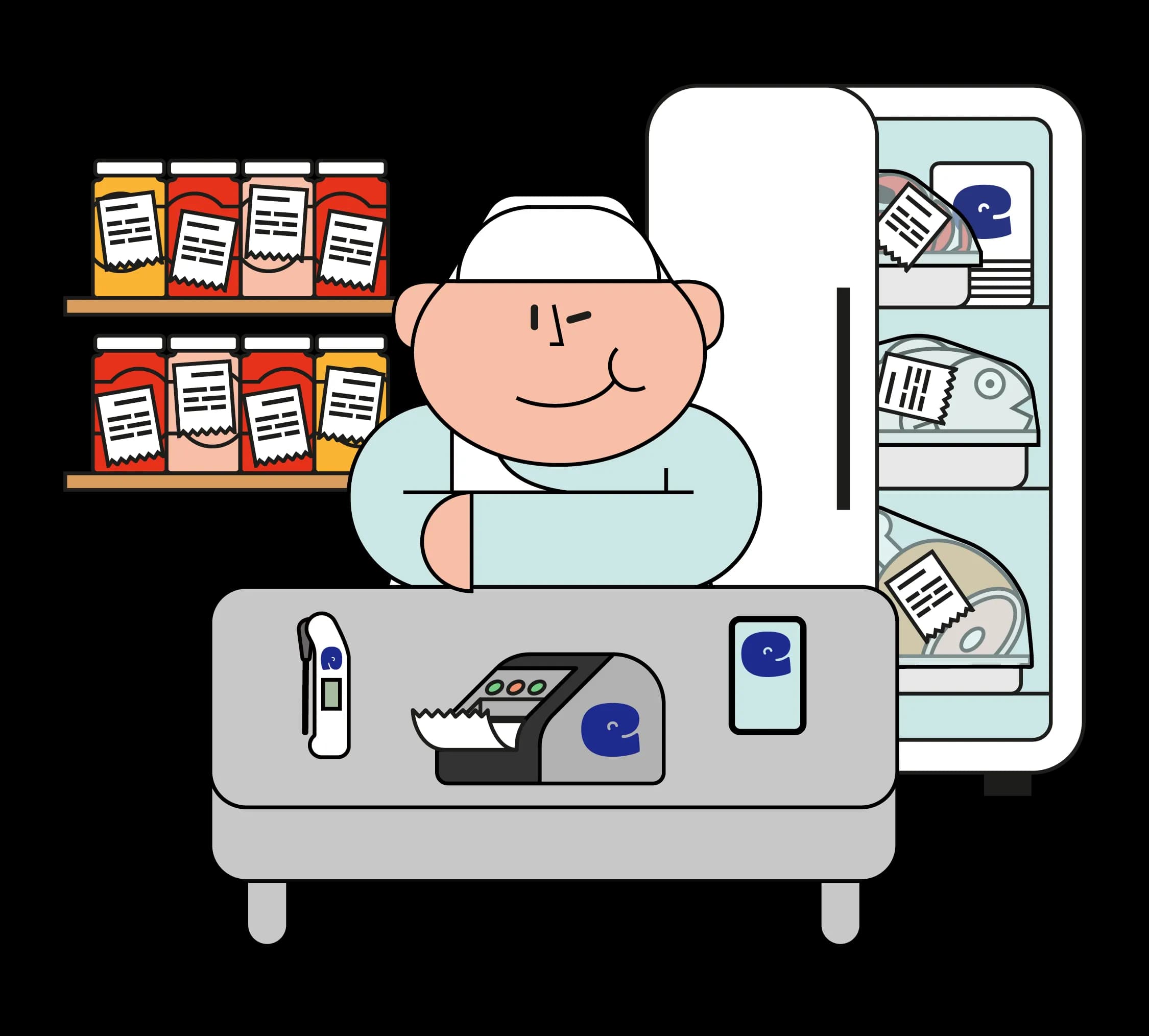
Several types of labels, according to your needs.
Multifunction
Preconfiguration
The eEAT "Use by" date labeling module offers you a ready-to-use and HACCP compliant version for your fresh product labels, freezing and thawing.
Flexibility
The eEAT module also allows you to create custom labels: adding the name of the person who generated the label, sales labels (logo, ingredients, allergens, weight, ...), labels for witness dishes, allergen labels, etc.
Modularity
Thanks to continuous rolls you can generate different types of labels without changing the roll. You save time.
Specifications
Designed for the field.
Specifications
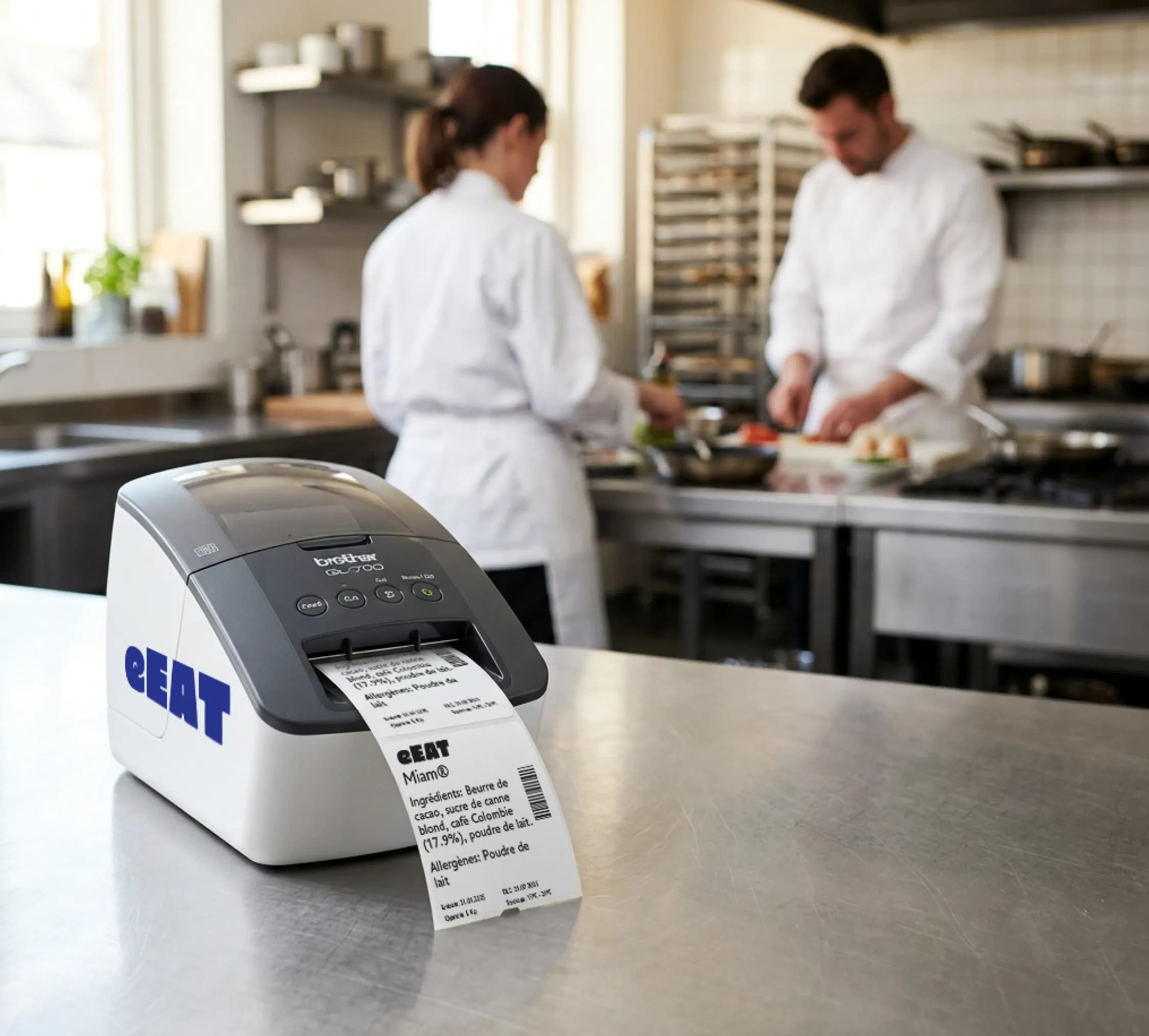
Adapted to the food sector
Thermal printing without ink, compliant in food environments. The label peels off easily for washing and resists freezing.
Fast
About 90 labels per minute. Enough to follow a large production without waiting in front of the machine.
Practical
You print from anywhere. You know your menus in advance. You launch the printing from home, the labels are waiting for you on site.
Efficient
You order your rolls directly from the application. No risk of shortage.
Improved support
A printing issue. Our intelligent remote hardware monitoring allows us to help you instantly.
Compatibility
Works seamlessly with the Brother QL range.
How it works?
1-click printing, 0 hassle.
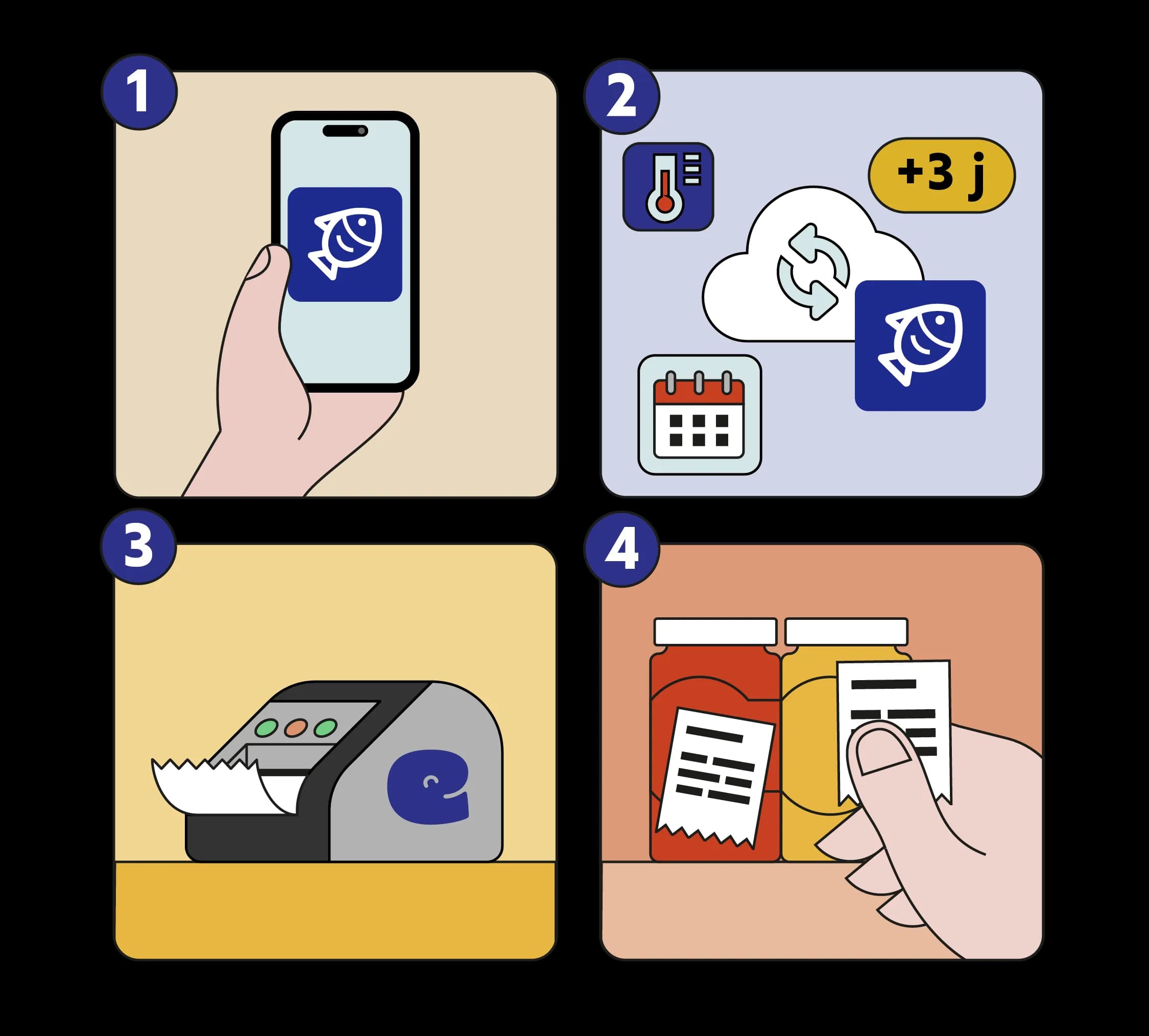
How it works?
4 steps for trouble-free printing. You choose the product, eEAT calculates, the printer does its job, you stick.
1. You choose the product
Menu of the day, Pork fillet or Iced Parfait? We help you pre-register your usual products, you just have to select the one you need.
2. eEAT calculates
The "Use by" date is automatically calculated based on the chosen product. You don't worry and you avoid errors.
3. The printer does its job
It prints the number of requested labels! It's that simple...
4. You stick
You just have to stick the labels on your products.
Smart labeling.
Zero constraints.
Open printer (compatible with market models)
Multi-purpose continuous roll (without change)
100% customizable label creation (logo, allergen, storage, ...)
Sales label editing (price, barcode, ...)
Automatic calculation of the "Use By" Date/"Best Before" Date
Consumables certified for the food industry
Remote printing possible (cloud / multi-sites)
Roll replenishment in 1-click (from the application)
Remote troubleshooting and maintenance
Centralized history of all prints
Management of allergens and ingredients on the label
Included support
HACCP + Printer Combo
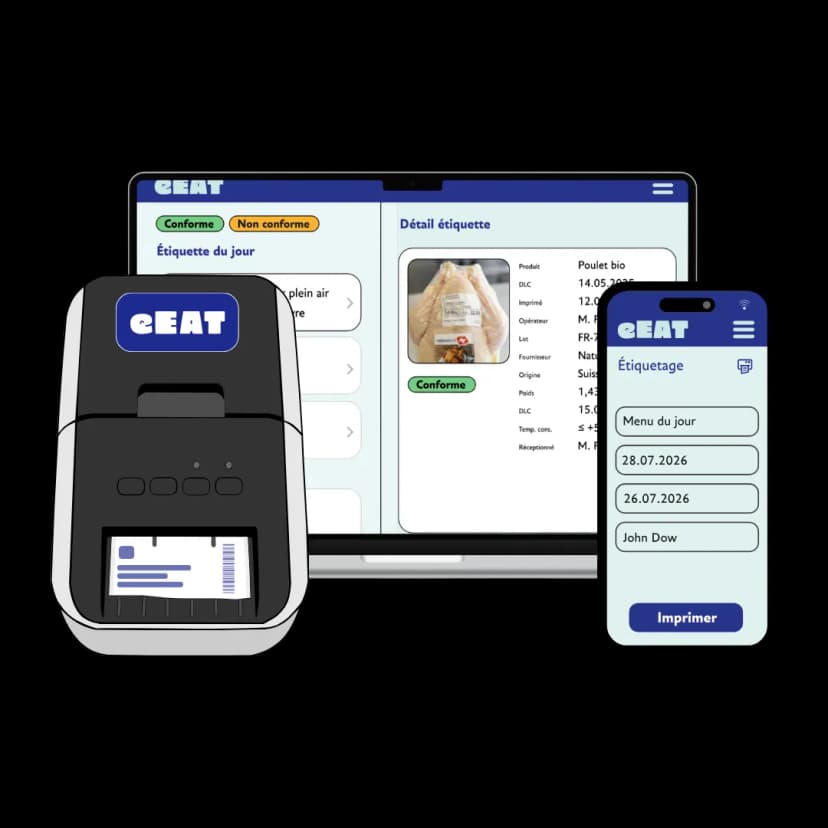
+ your printer (Brother QL) or purchase 150.-/piece
Pricing
All your labels, a single subscription
Our printing module is compatible with Brother printers from the QL range, so either you have one, or you buy it from us.
- Labels according to your needs, time saved and more security.
- A module completed by the complete HACCP pack (all regulatory self-checks).
- The history of your regulatory labeling accessible on the app securely (min 2 years).
- A support team taking great care of you by phone, video or email.
Complete HACCP Ecosystem
Much more than a very practical printer.
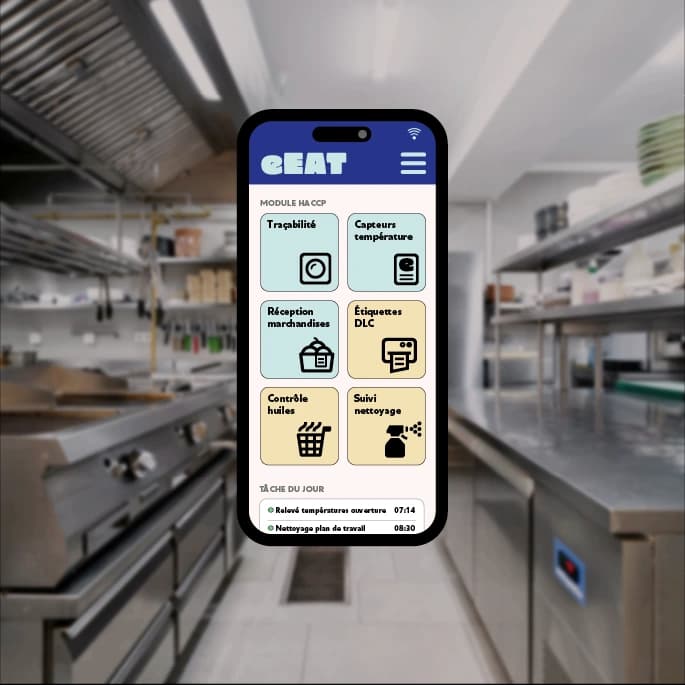
Complete HACCP Ecosystem
With the printer you are safe, and with the rest of the eEAT solution even more.
eEAT centralizes all your mandatory HACCP controls in a single application:
- Photo traceability
- Connected temperature sensors
- Goods reception
- Frying oil control
- Cleaning and disinfection plan
- "Use by" date labeling module
- And much more...
eEAT adapts to every profession.
Your activity, your obligations, your hours... eEAT configures itself according to your on-site reality, not an imposed model. A flexibility that other solutions cannot offer.
Support & Accompaniment
We install.
We train.
We stay by your side.
Support & Accompaniment
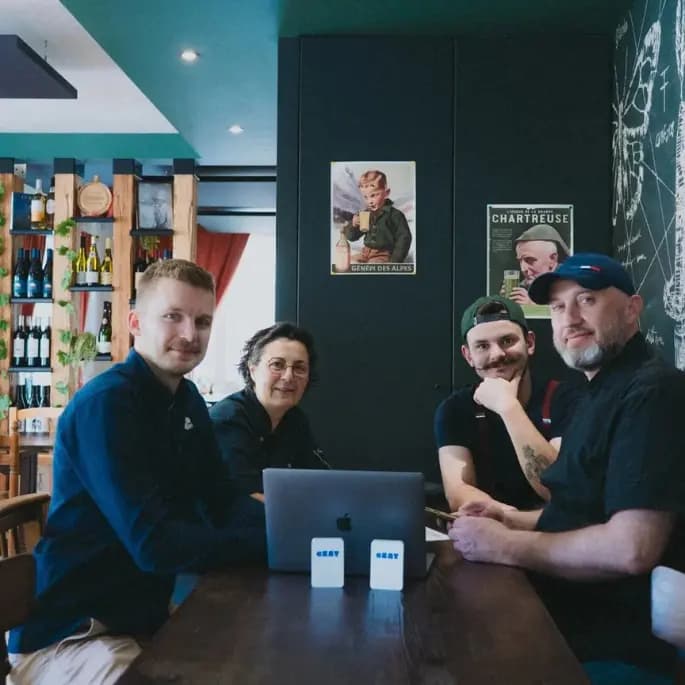
Our experts are accessible by phone, email or video. We are there when you need us.
Turnkey deployment:
We configure your labeling products and label templates with you (structure, design, important information, ...).
Included training:
20 minutes are enough, your team is operational the same day.
Continuous monitoring:
Regular updates and expert advice to evolve with eEAT. Training content & videos available 24/7 online. We also alert you if a sensor is disconnected.
Works on Smartphone, tablet, and computer.


Over 10,000 hospitality professionals
use eEAT daily.
"Efficient temperature logging and traceability tracking. Saves time and protects against fridge failures."

"The eEAT system is easy to set up, provides a comprehensive overview, and allows real-time monitoring of any deviations for quick corrective actions."
"Working with eEAT is an excellent experience. Easy and practical, it saves a lot of time in the kitchen. Customer service is friendly and helpful. If there is anything, they respond very quickly. Many thanks!"
Everything to know about the eEAT labeling module
Can one use their own printer with the eEAT labeling module?
Yes, this is one of the great advantages of eEAT: hardware freedom.
Immediate compatibility:
- eEAT is natively compatible with the standard Brother QL range (models QL-700, QL-800, QL-820, etc.).
- No imposed hardware: Unlike some competitors who push to rent their own proprietary labelers, you use the eEAT compatible printer you already own. Don't have one? We provide it.
- Simple connection: Works directly via the eEATBOX we provide you.
You keep control of your hardware investment without depending on a closed ecosystem.
Why is a eEATBOX needed and is it included in the price?
The eEATBOX is the connected heart of your labeling system, and yes, it is fully included in your eEAT subscription.
Its crucial role:
- Permanent Internet connection: It simply plugs into your Brother printer (via USB) to make it accessible from the eEAT cloud.
- Printing from anywhere: Unlike Bluetooth which has a limited range (a few meters) and often disconnects, the eEATBOX allows printing from your office, home or another site, as long as the printer is on.
- Total control & Troubleshooting: It allows our technical support to take control of the printer remotely to diagnose failures, update drivers or resolve any blockages in a few minutes.
- Connection to eEAT sensors: Do you also want eEAT temperature sensors, the eEATBOX allows easy data retrieval.
It is the guarantee of a robust system, always connected and easily maintainable, far superior to often unstable direct connections.
Is internet access required to print with eEAT?
Yes, to enjoy the cloud advantage and remote printing, an internet connection is necessary at the printer level.
Three flexible connection options:
- Via WiFi: If your kitchen has a stable wireless network, the eEATBOX connects directly to it.
- Via Ethernet (RJ45 Cable): For maximum stability, you can connect the eEATBOX directly to your internet box by cable.
- Via the eEATBOX 4G: If you don't have WiFi in the kitchen or if the network is unstable, we offer a version of the eEATBOX with integrated SIM card (4G). It automatically connects to the mobile network, making your printer totally independent of your local network infrastructure.
No complex configuration is required, the connection is made automatically upon startup.
What are the hidden costs of label rolls with eEAT?
At eEAT, transparency is total: there are no hidden costs or abusive margins on consumables.
Our fair price policy:
- Unit price: Thermal label rolls are sold at 10.- CHF/euros each (about 1000 labels per roll) by boxes of 20 rolls (200.- / box).
- Shipping included: Delivery is free.
- Cost per label: This comes to ~ 0.01 CHF/euros per label, one of the lowest costs on the market.
Competitive comparison: Unlike closed solutions where proprietary rolls can cost 3 to 4 times more and are mandatory, eEAT even allows you to buy standard compatible Brother rolls elsewhere if you wish, although our in-app store guarantees optimal quality and the lowest price.
Are eEAT labels compatible with food and freezing?
Absolutely. We offer two types of thermal labels specially designed for the requirements of catering and agri-food.
Our two ranges of labels:
- "Freezing" Labels (Very sticky): Reinforced adhesive resistant to humidity, grease and negative temperatures. They never peel off, even after a thermal shock.
- "Bins & Storage" Labels (Easy peeling): Repositionable or residue-free adhesive, perfect for labeling your gastronorm bins. They remove cleanly without leaving glue residue, facilitating washing and bin reuse. Also used for frozen products stored internally.
Thermal technology: No ink is required (direct thermal printing), guaranteeing clean traceability, without risk of soiling and compliant with hygiene standards.
Can eEAT labels be customized with your logo and legal mentions?
Yes, eEAT offers total customization of your labels to reinforce your brand image and ensure compliance.
Customization options:
- Establishment logo: Integrate your logo at the top of the label in one click.
- Mandatory mentions: Fields ("Use by" date, "Best before" Date, batch, allergens, weight, storage instructions, ...) are automatically included.
- Special mentions: Add specific information according to your needs: address, stamp, origin, brand elements, ...
- Custom layout: Adapt the font size and order of information.
Unlike fixed models, you create professional labels that look like you.
What does the law say on HACCP labeling: is a printer mandatory?
Regulations (Hygiene Package, EU Regulation 1169/2011) impose traceability and information for the consumer, but do not specify the printing technology.
What the law requires:
- Indelible legibility: The date and batch must not be easily erased or modified.
- Accuracy: Information (allergens, "Use by" date) must be accurate and up to date.
- Accessibility: Information must be visible immediately during an inspection, including for internal labeling.
Why eEAT is the best answer: Although handwriting is theoretically possible, it is a source of errors and often judged unprofessional by inspectors. The eEAT thermal printer guarantees perfect legibility, automation of date calculations (eliminating the risk of human error) and irrefutable proof of compliance during DDPP inspections (also with the label history allowing to show a digital label at any time).
Can products be added autonomously in the eEAT labeling module?
Yes, eEAT gives you complete autonomy to manage your product catalog.
Simplified management:
- Instant creation: Add a new product, recipe or witness dish directly from the application in less than a minute.
- Automatic configuration: Define the base "Use by" date (e.g., D+3, D+5), allergens, storage conditions, ... The application will automatically calculate the limit date at each print.
- On-the-fly modification: Update product information and the modification applies immediately to future labels.
No technical intervention or additional billing is necessary to enrich your catalog. During onboarding, we configure your products with you.
A doubt? You can always contact our support team or visit our help center.
Can eEAT labels be printed in advance, for example from home?
Yes, thanks to the cloud nature of eEAT and the eEATBOX, you are not tied to a single physical location.
Printing flexibility:
- Remote access: Log in to your eEAT account from any device (home, office, second site). The print order is sent via the internet to the eEATBOX connected to the printer in the kitchen.
- Production preparation: Print your production labels in advance to save time on the D-Day, or prepare take-away sales labels before opening. You arrive, the labels are already there.
- Multi-sites: For groups, headquarters can print standard labels or models for all establishments.
- Not WiFi dependent: You do not need your device (tablet, phone, computer) to be connected to the same WiFi as the printer to print.
This is a major advantage over Bluetooth solutions which require being physically in front of the printer.
Is the eEAT labeling module only for "Use by" date or also for other self-checks?
The eEAT printer is a versatile tool that covers much more than simple "Use by" date.
Multiple uses in the kitchen:
- Witness dishes: Automatic labeling with date and time of canning.
- Rapid cooling: Labeling the product after cooling.
- Production & Assembly: Composition labels for prepared dishes (ingredient list, allergens).
- Storage: Clear identification of bins (content, production date, cook's initials).
- Traceability: Labels with QRcode tracking for complete industrial traceability.
One single printer for all your HACCP labeling needs, simplifying your equipment.
How does eEAT manage exceeded "Use by" dates and print history?
eEAT transforms the printer into a tool for active stock management and waste prevention.
Alert management:
- Immediate visibility: The application visually identifies products whose "Use by" date is exceeded or approaching (red/orange color code).
Complete history:
- Print traceability: Every printed label is recorded in a digital history (Who? What? When? Which "Use by" date?). You can view the printed label and reprint it in 1 click.
- Proof of control: In case of inspection, you can prove when and by whom the labels were generated, reinforcing the credibility of your HACCP approach.
What happens if the eEAT printer stops working? Is there support?
We know that a broken printer is critical during full production. eEAT offers reactive support and remote troubleshooting in a few minutes thanks to the eEATBOX.
Our technical assistance:
- Dedicated Support Page: Access step-by-step tutorials, connection guides and a complete technical FAQ directly in the application.
- Remote troubleshooting: Thanks to the internet connection of the eEATBOX, our technical team can diagnose a driver, connection or configuration problem in a few minutes. Our experts test the printing for you and respond to your needs quickly to limit your stress.
- Reactivity: Unlike generic after-sales services, our experts understand the constraints of a kitchen and react accordingly.
- Update: Any update (security, new feature, ...) is done remotely without any action on your part.
Moreover, compatibility with standard Brother printers means that in case of definitive hardware failure, you can replace the printer within 24h in any computer store, without waiting for a manufacturer shipment.
What is the real profitability of the eEAT labeling module compared to manual labeling?
The return on investment (ROI) is immediate, often from the first month.
Concrete gains:
- Time saved: Count 30 seconds to write a label manually versus 5 seconds with eEAT. On 100 labels/day, that's already 40 minutes saved daily (about ~20h/month).
- Waste reduction: Thanks to better visibility, you throw away fewer involuntarily expired products.
- Limitation of sanctions: The risk of fine for non-compliant or illegible labeling is eliminated.
- Consumable cost: With rolls at 10.- for ~1000 labels, the cost is negligible compared to the saved employee time.
eEAT transforms a regulatory constraint into a pure productivity gain.
Can custom labels with specific formats be made in eEAT?
Yes, eEAT adapts to all your format needs thanks to its compatibility with the entire Brother QL range and others.
Format flexibility:
- Variable widths: Printing on rolls of 29mm, 38mm, 50mm, 62mm.
- Continuous labels: To print several different types of labels without changing the roll.
- Pre-cut labels: For specific formats.
You choose the format best suited to your support (bin, tray, bag, dish) and eEAT automatically configures the layout for perfect printing without unnecessary margins.
Is it necessary to re-enter information during production to print an eEAT label?
No, eEAT eliminates double entry thanks to the direct link between reception and production (accessible for the industrial traceability module only).
The automated flow for the industrial traceability module:
- Automatic data retrieval: If you scanned a bag of carrots at reception, the "Use by" date, batch number and supplier are already in memory.
- Instant production labeling: When you peel these carrots and put them in a bin, simply select the product. eEAT automatically retrieves the data from the original batch to print the label of the transformed bin.
- Time saving and reliability: You do not re-enter anything, which eliminates any risk of copying error and halves the time spent on labeling.
Unlike solutions where reception and production are disconnected, eEAT can ensure perfect digital continuity.
Can multiple eEAT printers be managed in different places in the kitchen?
Yes, thanks to cloud technology and the eEATBOX, eEAT natively manages multi-printer environments.
Organizational flexibility:
- One printer per station: Install a eEATBOX on the reception printer, another in production and a third at shipping.
- Smart selection: From any tablet or station, you choose which printer to use for each task.
- Total flexibility: You can define different types of labels for the same printer or the same type for 2 different printers.
- Centralized management: All printers are visible and manageable from a single eEAT account, with a unified print history.
Ideal for large central kitchens or establishments with distinct production areas.
Can eEAT labels be printed in multiple languages for multilingual teams?
Yes, eEAT adapts to the diversity of your teams and your clientele.
Multilingual options:
- User interface: Each employee can use the application in their native language (French, English, German, etc.).
- Bilingual labels: You can configure your label templates to display legal mentions and allergens in two languages simultaneously (e.g., French / German for border areas, or French / English for tourism).
A major asset for international hotels or kitchens with cosmopolitan teams, ensuring everyone understands what is produced.